
TradeLock for Windows
The native desktop app. Same account, same membership and the same protection rules you use on your phone, now on your PC.
Version 1.0.0 · Released 7 October 2026
Windows installer (.exe) · Windows 10 & 11
Requires an active TradeLock membership. If you are not subscribed, the download takes you to secure checkout first.
- Distributed only from tradelockhq.com
- SHA-256 verified

TradeLock for Windows
Desktop app · Tradeily
- Version
- 1.0.0
- Released
- 7 October 2026
- Publisher
- Tradeily · London, UK
- Requirements
- Windows 10 or Windows 11
- Installer
- TradeLock-Setup-1.0.0.exe
- Distribution
- tradelockhq.com only
A look inside
Built for your desktop
The full TradeLock experience in a native Windows app, from your daily dashboard to the rules that keep you in check.
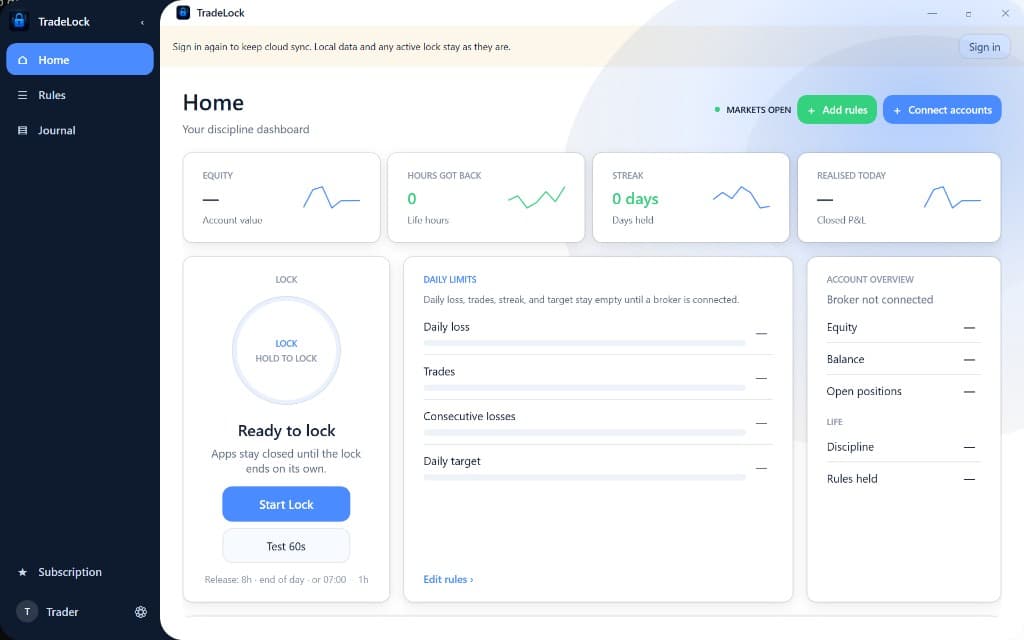
Home
Your discipline dashboard: equity, hours reclaimed, streak and one-tap lock.
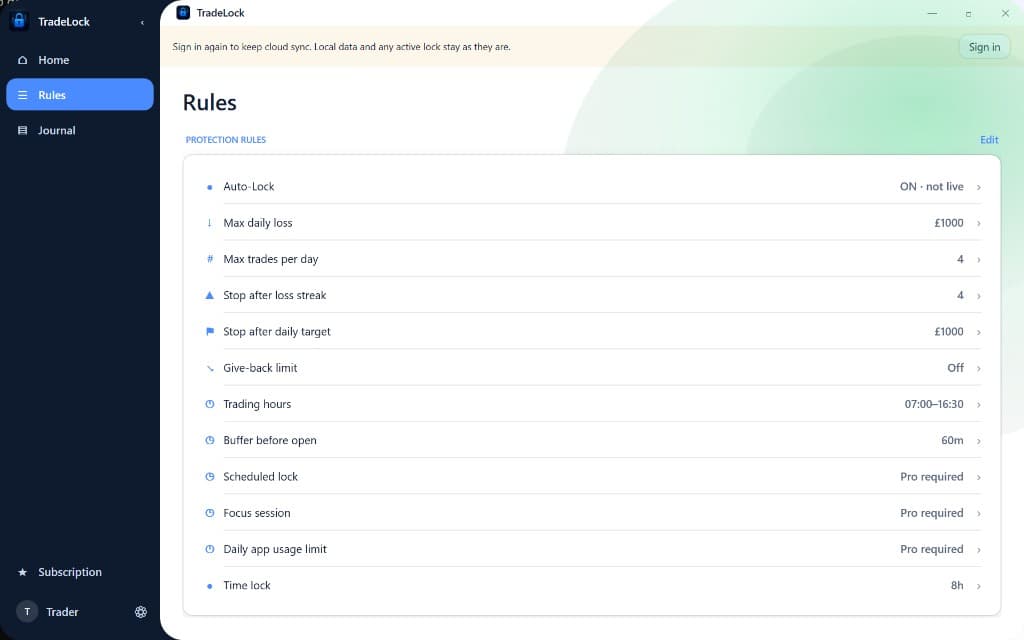
Rules
Daily loss, trade count, loss streak, trading hours and scheduled locks.
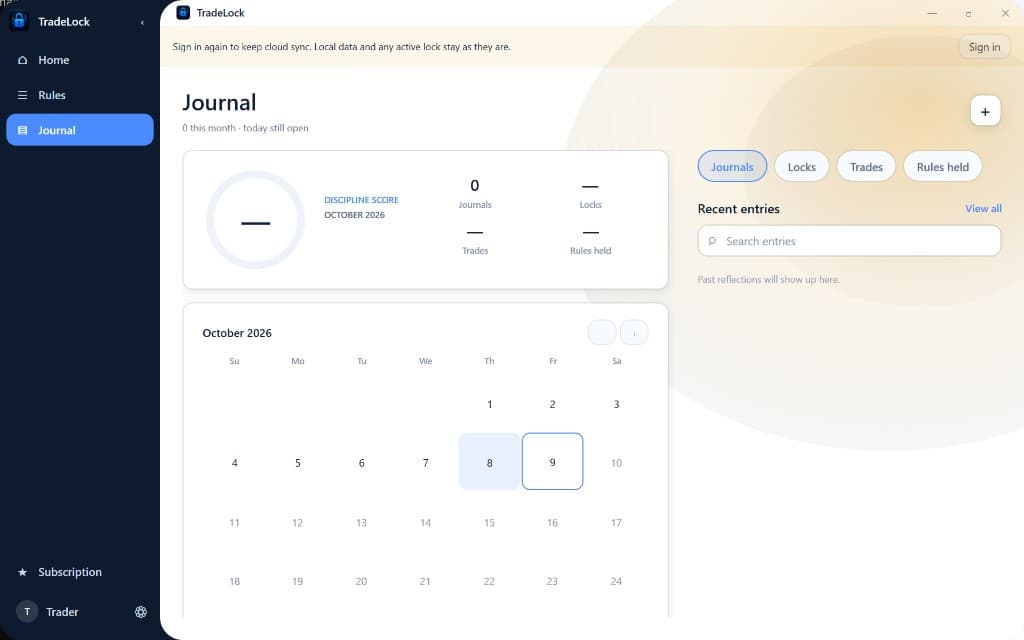
Journal
Discipline score, calendar and reflections, synced with your phone.
One account, one membership
Sign in with the same TradeLock account and subscription you use on your phone.
Rules enforced on desktop
Daily loss, trade count and loss-streak limits hold on MT5 and TradingView.
Synced across devices
Locks, rules and journal entries stay in step between Windows and mobile.
Installation
Install in four steps
- 1
Download
Use the download button on this page. TradeLock for Windows is only distributed from tradelockhq.com.
- 2
Scan with Microsoft Defender
In your Downloads folder, right-click the installer and choose Scan with Microsoft Defender.
- 3
Check the fingerprint
Open Verify your download below and confirm the hash matches the official fingerprint.
- 4
Run the installer
Windows may show “Windows protected your PC”. Choose More info, check the publisher shows as Unknown publisher, then Run anyway, only if the fingerprint matched.
This release is not code-signed yet, which is why Windows shows Unknown publisher. A matching fingerprint confirms integrity. Never disable Defender or SmartScreen to install TradeLock.
Need help? Our team can confirm whether a copy of TradeLock is genuine.
FAQ
Questions
Every release has a unique SHA-256 fingerprint. A match confirms the file is exactly the installer published on this page. If even one character differs, delete the file and contact support. Do not run it.
Official SHA-256 fingerprint
335B608C4AD77F11F50BBBBD09D856925BFBB149E3091B8253200AE08E77FF2CCheck it in PowerShell
Windows PowerShellPS> Get-FileHash "$env:USERPROFILE\Downloads\TradeLock-Setup-1.0.0.exe" -Algorithm SHA256Paste the command after downloading, then compare the Hash value with the fingerprint above. Every character must match.