Connect your funding account
Read-only. Always.
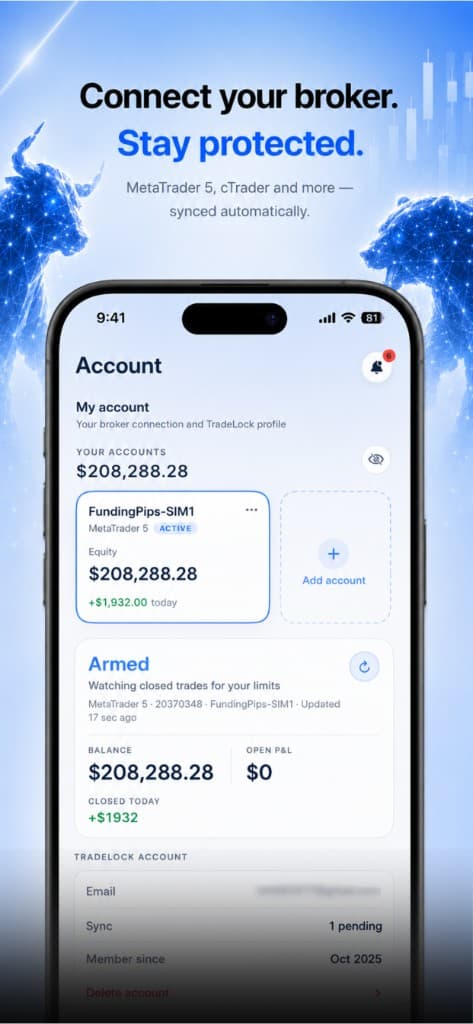
Link your prop or broker account. TradeLock watches closed trades for your limits — it can never place a trade.

 TradeLock
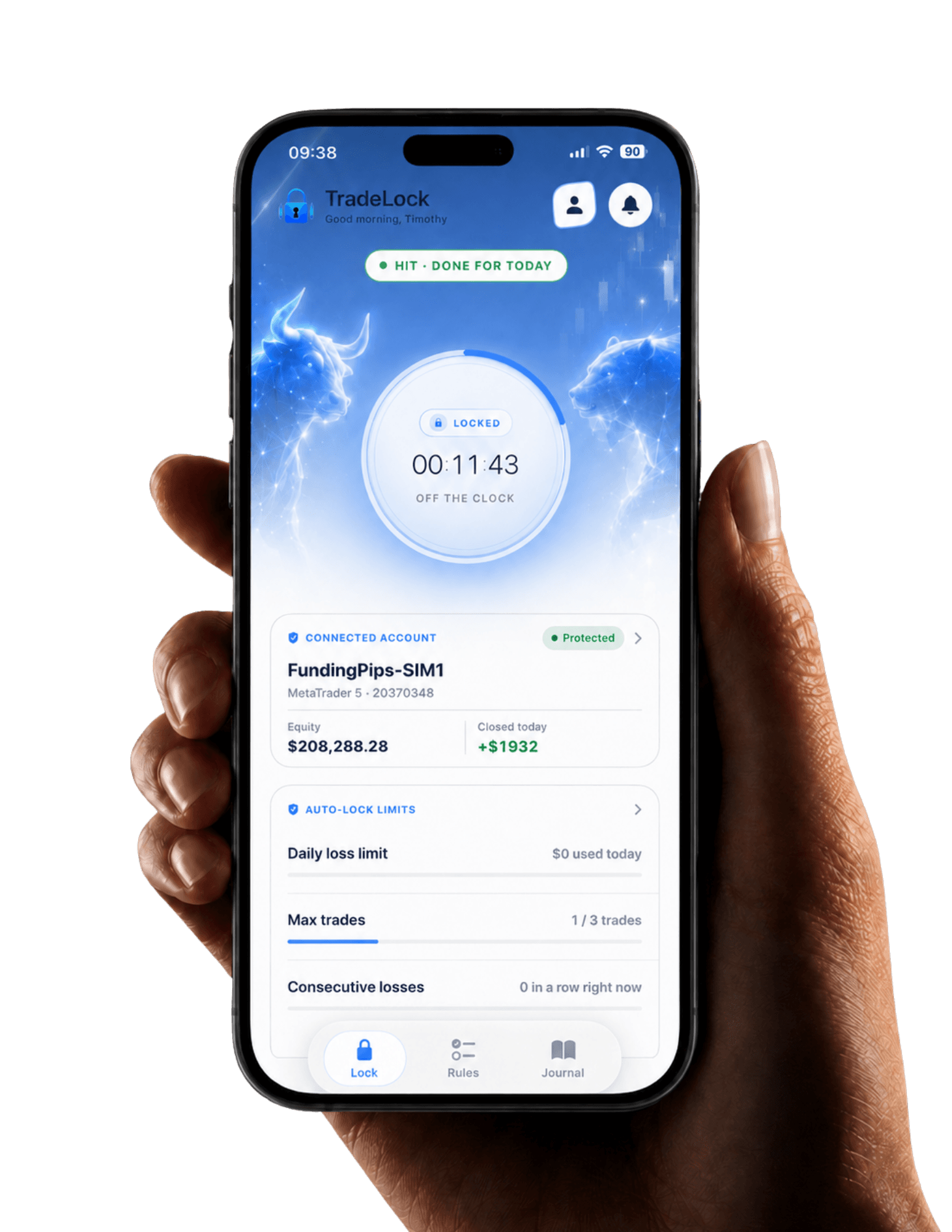
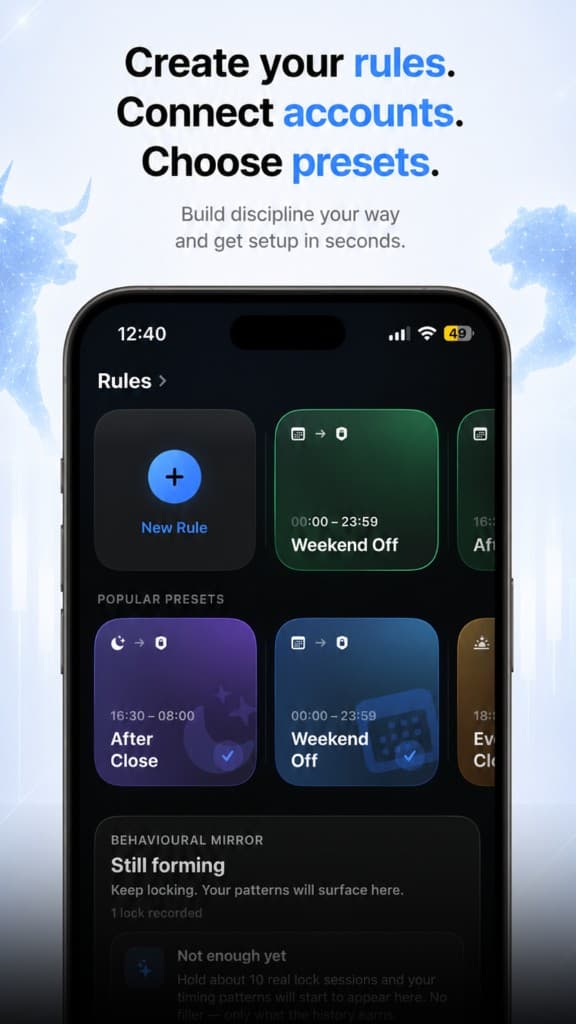
Set your daily loss, trade count and loss-streak limits once. TradeLock enforces them on MT5 and TradingView — so one red session never turns into a blown account.
Rule breached
Daily loss −£212. Your limit is £200.
Apps locked.
Locked
MT5 and TradingView until 06:00.
Stick to the plan. Pass the challenge.
Most blown challenges weren't a bad strategy. They were one extra trade after the plan said stop.
The problem
You know the rules. Tilt makes you break them.
The outcome
Pass the challenge by trading the plan you already have.
How
TradeLock locks the platform the moment a limit is hit.
TradeLock is how the plan actually holds.
Daily loss, trade count, and streak limits fire the lock — so you pass with the rules you already wrote.

The goal
Rules held → challenge passed
Enforcement, not advice.
Before
Read-only. Always.
Link your prop or broker account. TradeLock watches closed trades for your limits — it can never place a trade.
Pick your apps to protect.
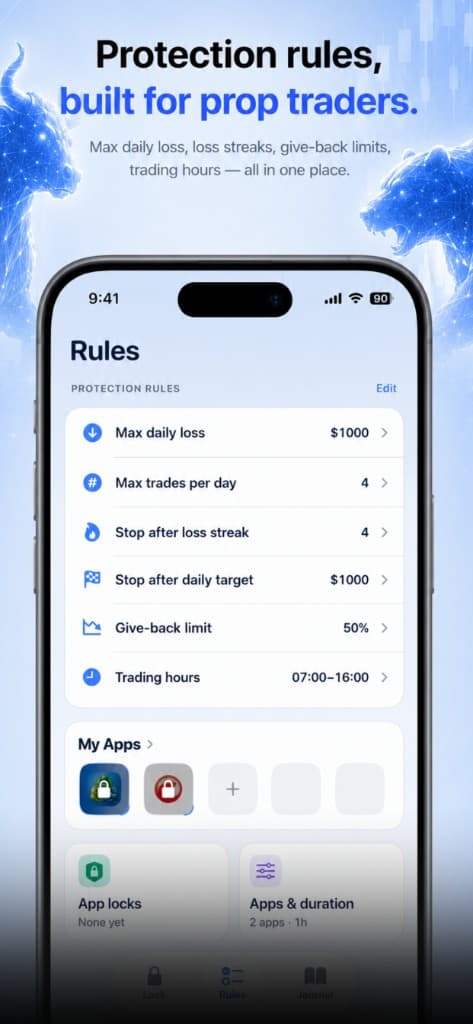
Max daily loss, loss streaks, give-back limits, trading hours — then choose which apps lock when a rule is hit.
During
Does the rest.
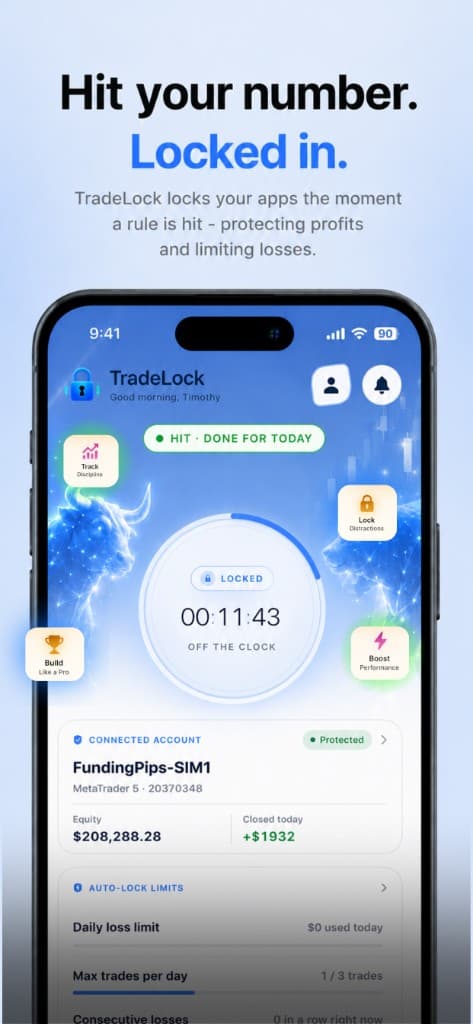
Break your limit. The platform locks. TradeLock enforces your rules when you're not — no override, no 'just one more.'
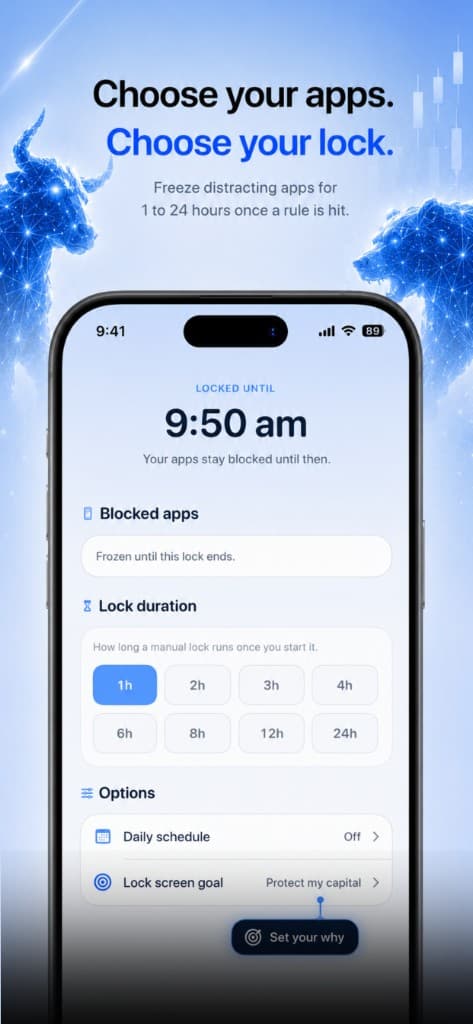
Choose your apps. Choose your lock.
Freeze MT5, TradingView, and the rest for 1 to 24 hours once a rule is hit. You pick the apps. The lock holds until the timer ends.
After
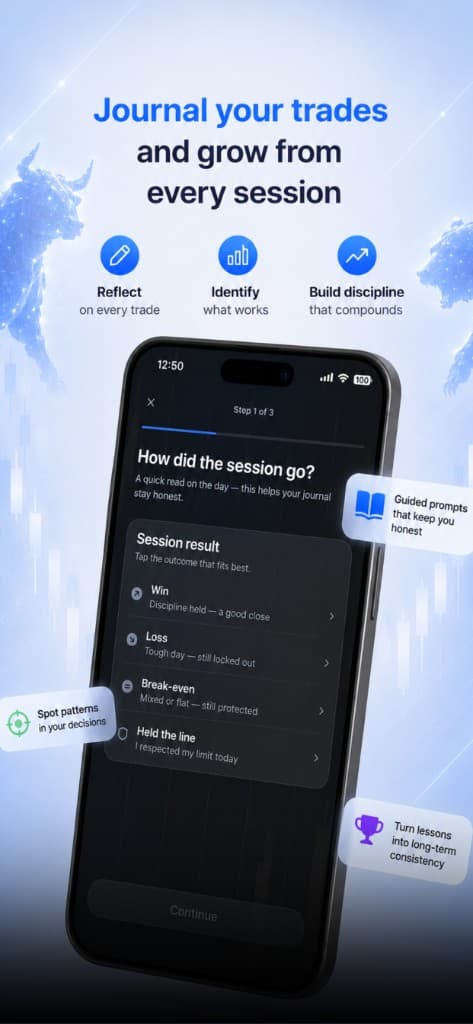
Proof the rules held.
Every trade, every lock, every streak. Nine days clean stops being a feeling and starts being evidence.
Also included
Cross-device lock
Locked on Windows and iOS. No second screen.
Delayed release
Emergency unlock takes an hour — long enough for tilt to pass.
Life Account
The hours you got back. Dinner instead of the desk.

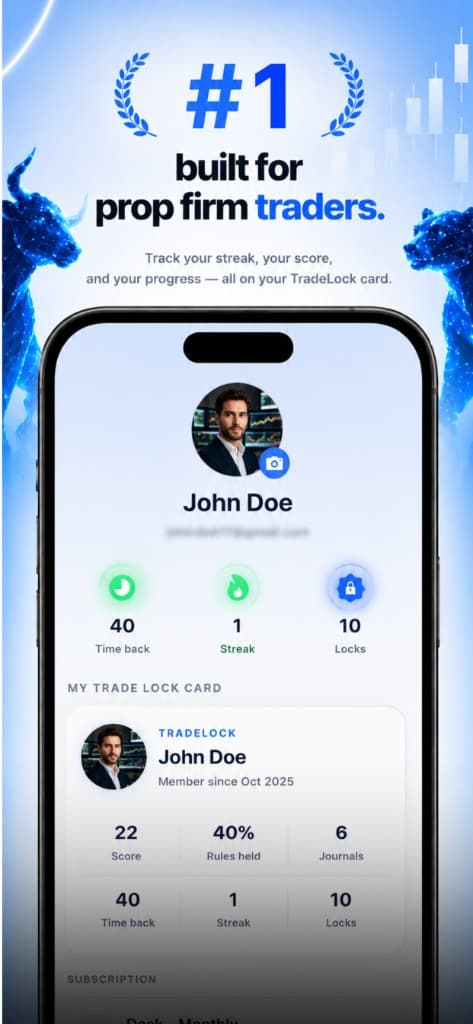
Pick a plan that fits your trading. Start a 7-day trial on the web, or download the iOS app. Cancel anytime.
Journal
Journal, discipline score and manual rules
£89.99/year
Works out at £7.50/month
Protect
Most popularPerfect for prop firm traders
Live Auto-Lock on one broker account
£249.99/year
Works out at £20.83/month
Desk
Live Auto-Lock on up to three accounts
£349.99/year
Works out at £29.17/month
7-day trial. Cancel before day 7 and you won't be charged.
Prefer an app? Download for iOS, Android or Windows
TradeLock won't tell you what to trade or lecture you after a bad session. It's for traders who already know the rules and keep breaking them anyway.
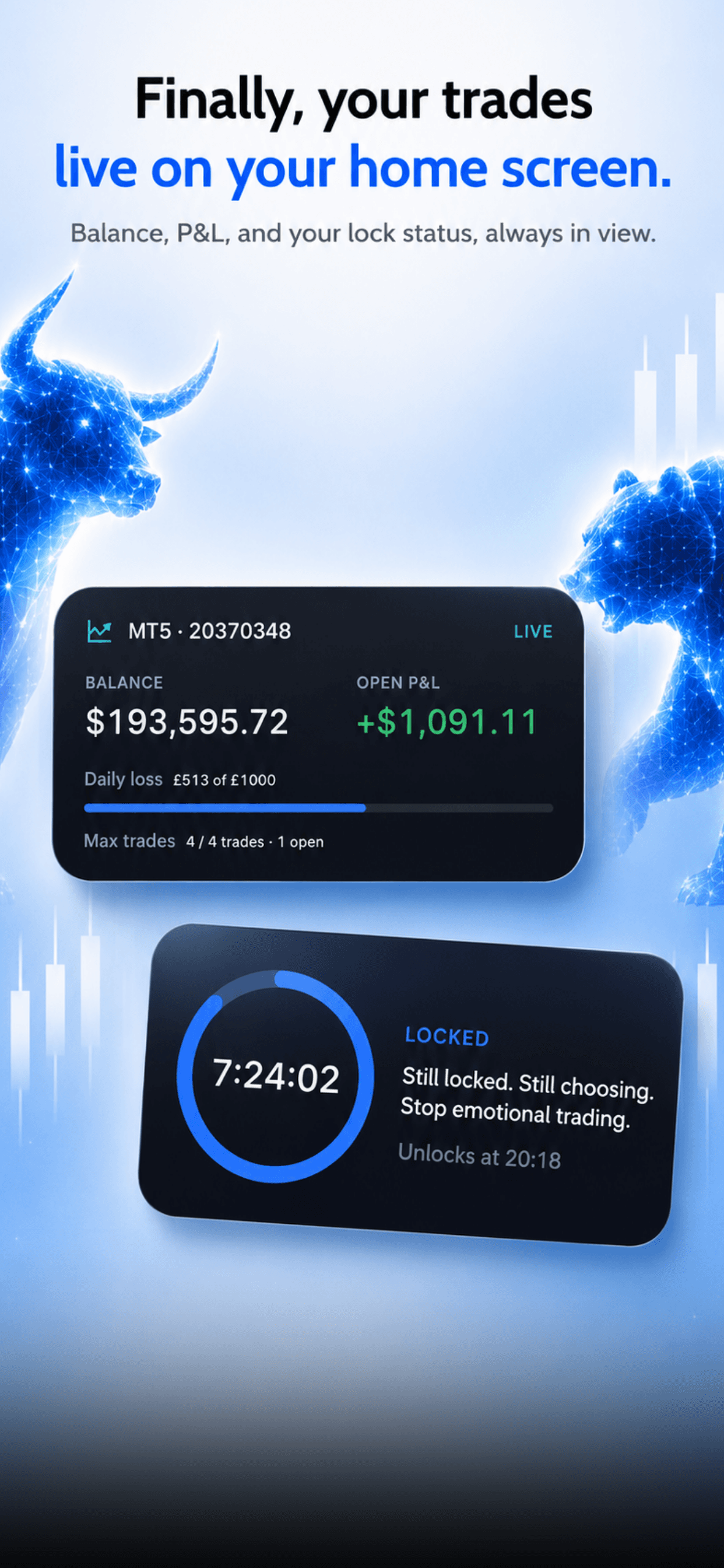
Blockers don’t know what you’re doing. TradeLock reads your live MT5 account, so the lock fires on the thing that actually matters — daily loss, trade count, loss streak — not on how long you’ve had the app open.
You can’t turn it off mid-lock. Emergency release takes a full hour and resets your streak. That hour is the product — it’s longer than tilt lasts.
No. The connection is read-only. It can see positions and balance to detect a breach — it cannot open, modify, or close trades, or move funds.
Auto-Lock works with MT5 today. cTrader is coming. App blocking covers MT5, TradingView, cTrader, and prop firm dashboards on Windows and iOS.
Yes. Both monthly and annual plans include a 7-day trial. Cancel before day 7 and you won’t be charged.
TradeLock only reads your account. It doesn’t trade or change settings. You’re still responsible for your firm’s rules on third-party tools.
TradeLock is live on the App Store for iPhone and iPad, on Google Play for Android, and as a Windows 10/11 desktop app.
Get the app. Available now on iOS and Android. Windows is available now.